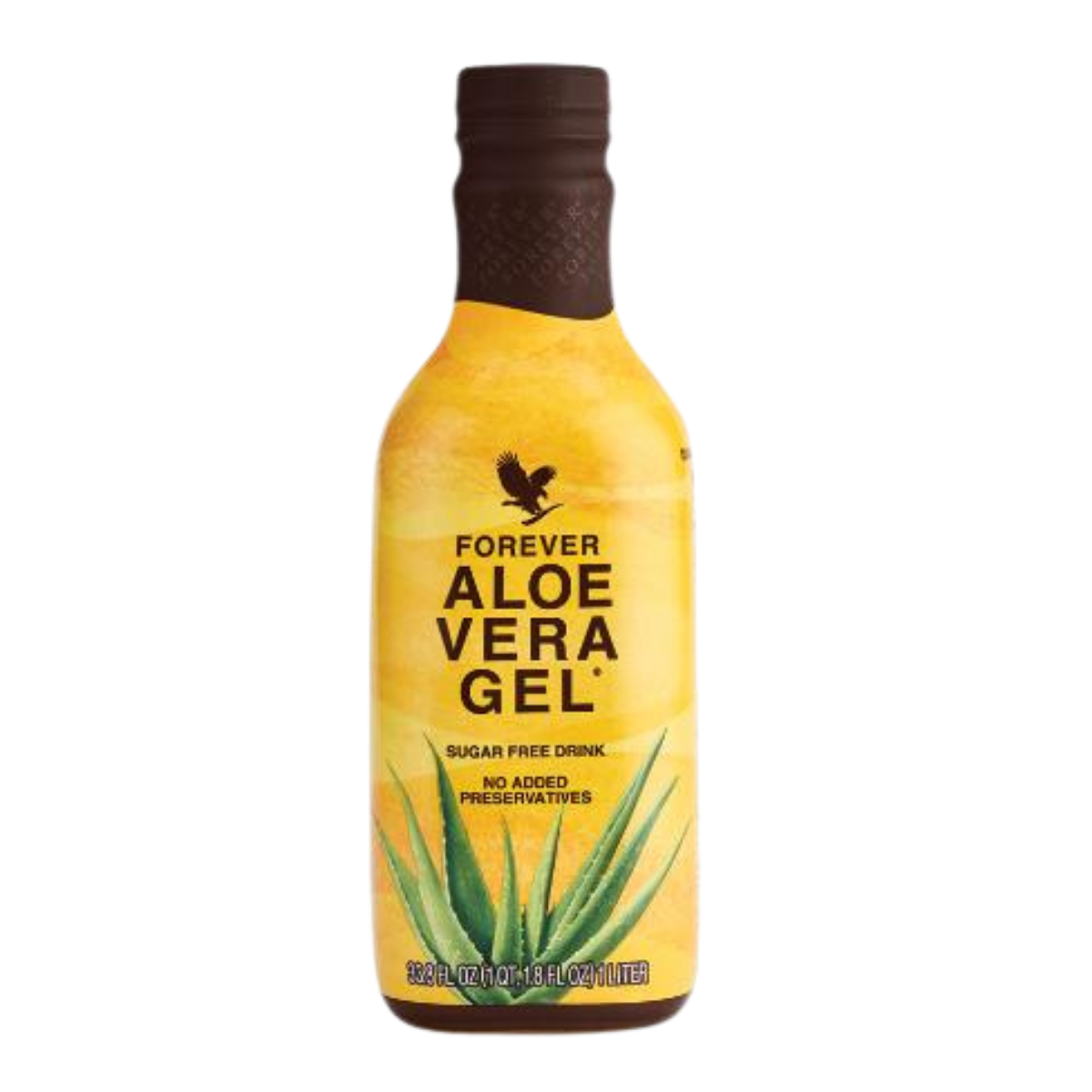
Recommend products online
Choose a Forever product, add one Forever/Titan link and publish a page you can send in messages, posts and profile bios.
Product sales, WhatsApp inquiries, PDF guides and recruiting connected in one simple global system. Add your Forever Link Builder URL, activate the countries where you want to work and guide visitors to the right official Forever path.
Force Click is independent and is not an official Forever Living Products website.
Forever PRO system
PRO
Products, collaboration and a free PDF guide connected in one personal profile.
Free PDF
How to build a successful online business
Why click now
Your profile link is no longer just a webshop URL. It becomes a small Forever system that gives the visitor context, shows clear buttons and captures interest before they leave.
Choose a Forever product, add one Forever/Titan link and publish a page you can send in messages, posts and profile bios.
Create a professional page for people who ask how to start and guide serious visitors to the official join path.
Use a lead magnet such as a guide for building an online business and turn interest into follow-up conversations.
Built for existing Forever partners
People may search for Forever login, product names, webshop links or business information. Force Click helps you place a clear explanation, WhatsApp CTA, PDF capture and official destination in one simple flow before the final click.
Instead of one generic URL, use a guided Forever flow
Ordinary link
Visitor lands directly on a shop or sign-up path and may not understand what to do next.
Force Click setup
Visitor first sees the offer, trust context, WhatsApp option, PDF capture and the official destination.
Add a clear WhatsApp path for people who need help choosing a product before they order.
Give visitors separate next steps for product orders, collaboration questions and PDF downloads.
Use tracked clicks and inquiries to see which product, keyword or post creates real interest.
How it starts
No Link Builder URL is required before signup. Create your workspace and choose a ready Forever model.
Pick product recommendation, business collaboration or the PRO personal brand hub.
Paste one Forever/Titan link or Forever ID when you are ready. Force Click handles the next step on the server.
Global recommendation engine
Force Click processes the click on the server, detects the visitor's country and opens the configured official Forever shop or join path whenever possible. Your visitor gets a clear next step, while you can see clicks, inquiries and product interest.
The server resolves the market before the visitor reaches the official Forever destination.
Images, descriptions and country shop links come from the Force Click Forever catalog.
Track what people click, where they come from and which offer deserves more focus.
Ready Forever templates
Each template creates the first Link Page and Promo Page with practical copy, buttons and editable sections.
Best when a post, story or message focuses on one product and you want the visitor to understand the recommendation before ordering.
Choose this modelBest when someone asks how to start with Forever and needs a calm, professional next step without pressure.
Choose this modelA premium Force Click page for Forever product orders, collaboration, WhatsApp inquiries, a PDF guide, analytics and many useful additions for your page and its performance. Complete setup in 3 clicks.
Choose this modelFree + PRO
The first Forever setup is built for action: publish one useful page, test interest and use real clicks to decide what to create next.
Start with one Link Page, one Promo Page, inquiries and basic analytics.
Create more product recommendation pages and compare which posts create the most interest.
Receive practical ideas, publishing prompts and simple next steps so your Forever pages do not stay unused.
Important details
These answers explain what happens after you add one Forever Link Builder URL for products or a Forever ID for business collaboration inside Force Click.
Yes. For a business collaboration page, enter your Forever Living Products ID or paste a Link Builder URL. Force Click detects the visitor's country on the server and opens the official Forever join path for that country with your referral.
The Croatian base path is https://foreverliving.com/join/hrv/hr-hr/welcome. Force Click builds the equivalent official join path for the visitor's country and adds your referral parameter automatically.
No. Create one URL in Forever Link Builder on Foreverliving.com, choose the discount there and paste that URL into Force Click. Force Click uses that URL as your referral and discount source, then adapts the selected product link for the visitor's country when that product market is configured.
Yes. The URL can point to a product, category or another official Forever destination. Force Click reads the referral and discount data from that URL and applies it to the selected product recommendation whenever possible.
Open the official Forever Link Builder here: https://foreverliving.com/account/deu/en-DE/sale-promotion-links. Sign in with your Foreverliving.com account on the official Forever website, create the link with the discount you want and choose unlimited use when that option is available. After creating the link, copy the short URL in the format https://thealoeveraco.shop/xxxxxxx and paste it into the Forever/Titan referral link field in Force Click.
The click is resolved on the Force Click server. The system detects the visitor's country and opens the official Forever shop link for the selected product in that country when it exists in the product catalog.
If a market cannot use the selected discount for that product, Force Click still keeps the visitor on your referral path whenever possible and sends them to the best official Forever destination for that country or fallback market.
If the selected product does not have an automated shop link for the visitor's country, Force Click redirects to an official Forever destination with your referral where possible, instead of leaving the visitor without a next step.
Open your Forever business globally in the countries where you want to recommend products. On Foreverliving.com go to My Account, then My Global Business, and activate the countries you want to use. After that, Force Click can connect your recommendation with the configured Forever shop markets using one created Forever Link Builder URL.
No. Force Click is an independent platform. Use official Forever links, follow the rules of the Forever market you operate in and keep product, discount and business claims accurate.
Create the Forever setup now and publish a link that presents your offer before the visitor reaches the official shop or sign-up path.